

Plan a Corruption, Crimson, or Hallow Cleanup with TerraWorld
Inspect infected terrain, make careful tile edits where appropriate, and export a separate world copy for testing in Terraria.

Start with a backup and a map review
Corruption, Crimson, and Hallow can spread through connected terrain. TerraWorld can help you inspect a local world map and make available tile edits, but it cannot confirm an in-game achievement or a Dryad percentage for you. Make a backup of the .wld file before changing anything.
Step 1: Load the world and inspect the terrain
- Open your local save in TerraWorld Editor.
- Use the map, Search panel, and available world-analysis views to inspect areas you suspect are infected.
- Zoom into the surrounding terrain before editing. Nearby grass, stone, sand, ice, walls, and player-built structures can need different treatment.
Step 2: Mark an editing plan
Use search results as clues rather than proof that an entire biome is clean. Record important coordinates or export a map image for reference. For a large or unfamiliar area, test a small section first instead of changing a broad region at once.
Step 3: Make small, deliberate edits
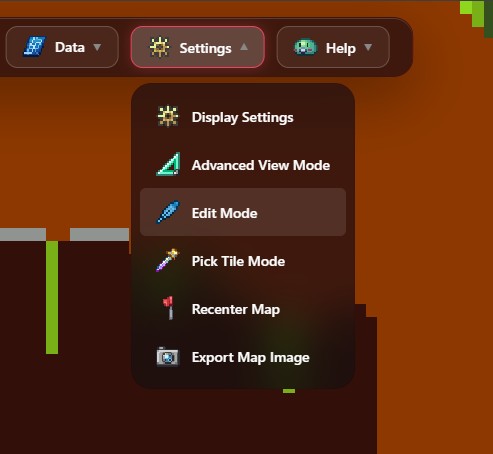
- Open Edit Mode and select a tool such as Pen, Brush, Bucket Fill, or Erase.
- Choose the target layer: tile, wall, or both. Select the tile or wall you intend to place before drawing.
- For the Brush, set a size between 1 and 10 tiles, then work in small passes so you can inspect the result.
- Use undo if you change the wrong area. Avoid editing structures or wiring unless you understand the impact in Terraria.
Step 4: Export and verify in Terraria
Use Export World to download a separate world file. Keep the original backup, place the exported file in a test location, then load it in Terraria and verify the terrain and any biome progress in-game. Do not overwrite your only save until you are satisfied with the result.