


Use Advanced View Mode to Inspect Distances, Wires, and Hoiks
A visual walkthrough of TerraWorld Advanced View Mode and its ruler, wire, and hoik inspection tools.

Why use Advanced View Mode?
A normal map view is useful for exploring terrain. Advanced View Mode adds focused overlays for examining a build or mechanism without changing the underlying world. It is useful when you need to estimate a span, trace wiring, or understand a compact hoik route.
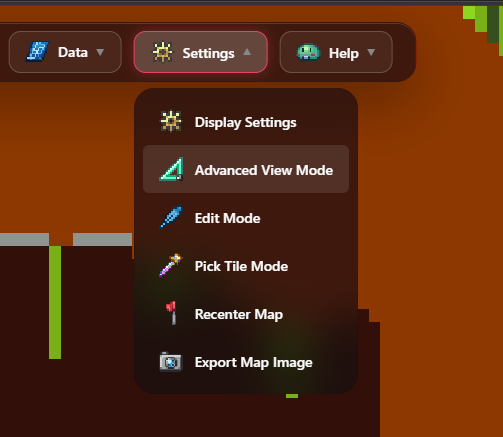
Step 1: Turn on the mode
Load a world in TerraWorld Editor. Open Settings, then choose Advanced View Mode. The mode is a viewing aid: it helps you study the map and does not save changes by itself.
Measure a route with the ruler
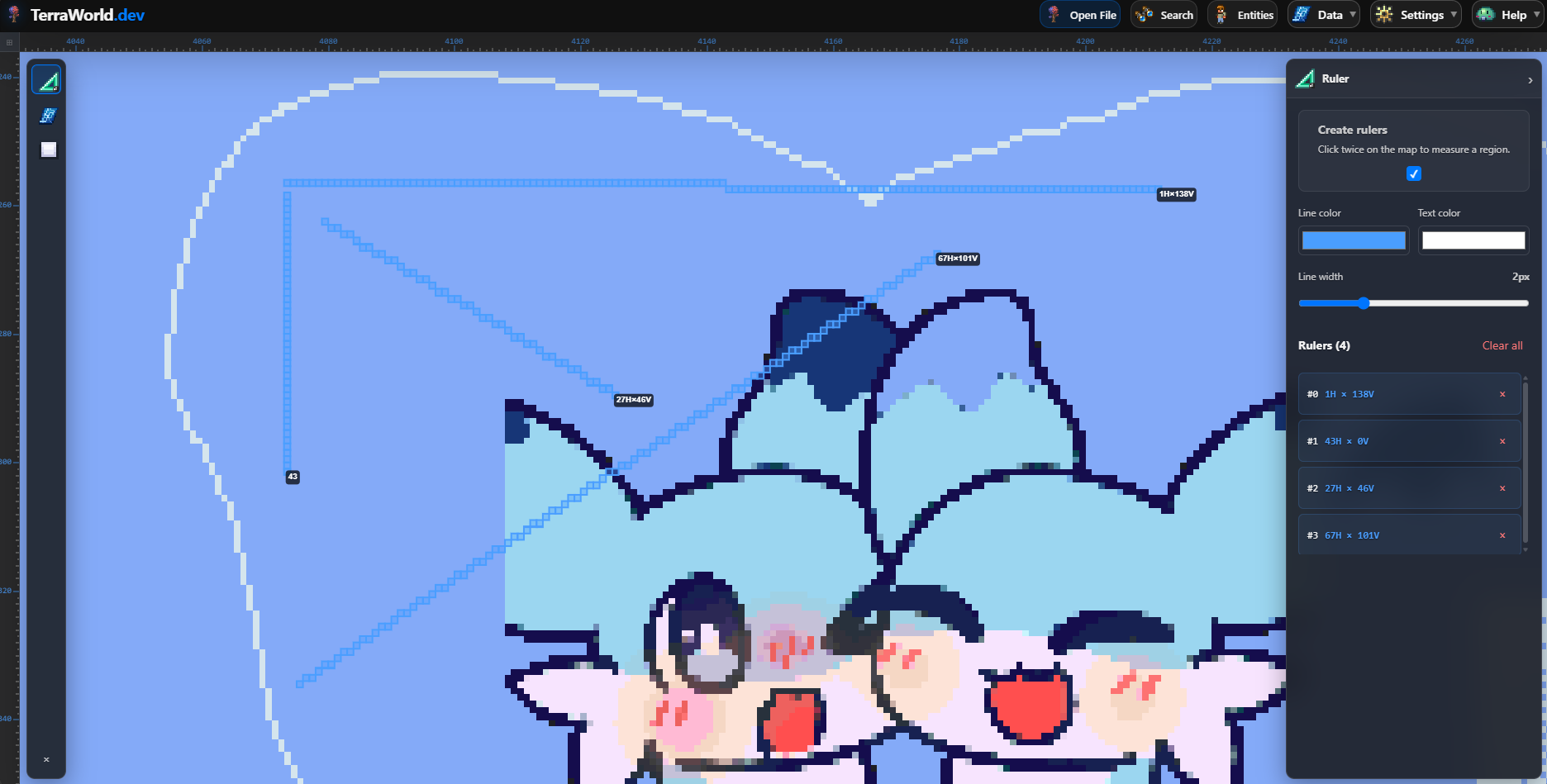
Select the ruler tool, then use the map to mark the two points or region you want to compare. This is practical for checking a travel tunnel, arena width, teleport spacing, or the footprint of a building before you alter anything in-game.
Reveal wiring and hoik routes
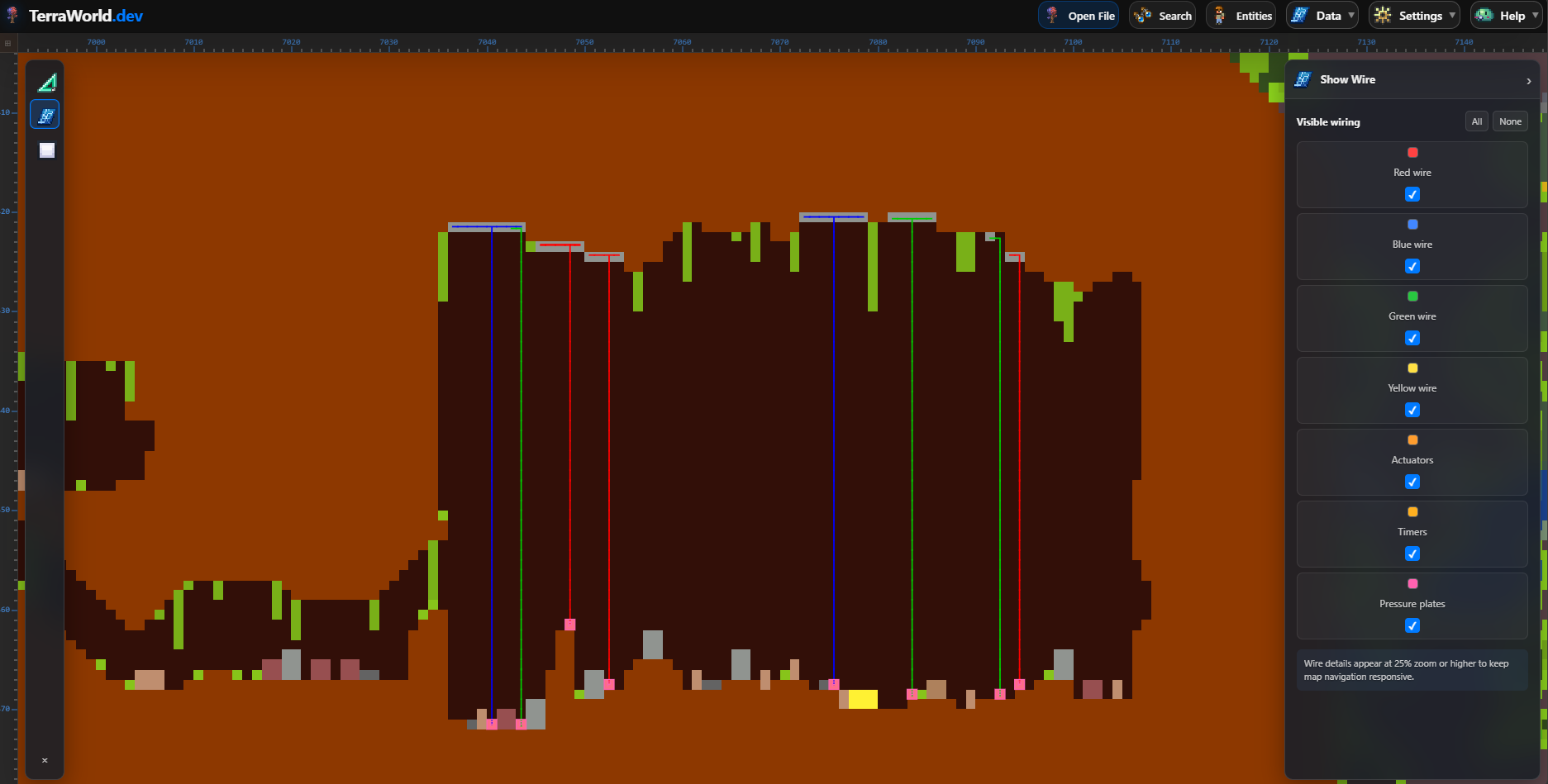
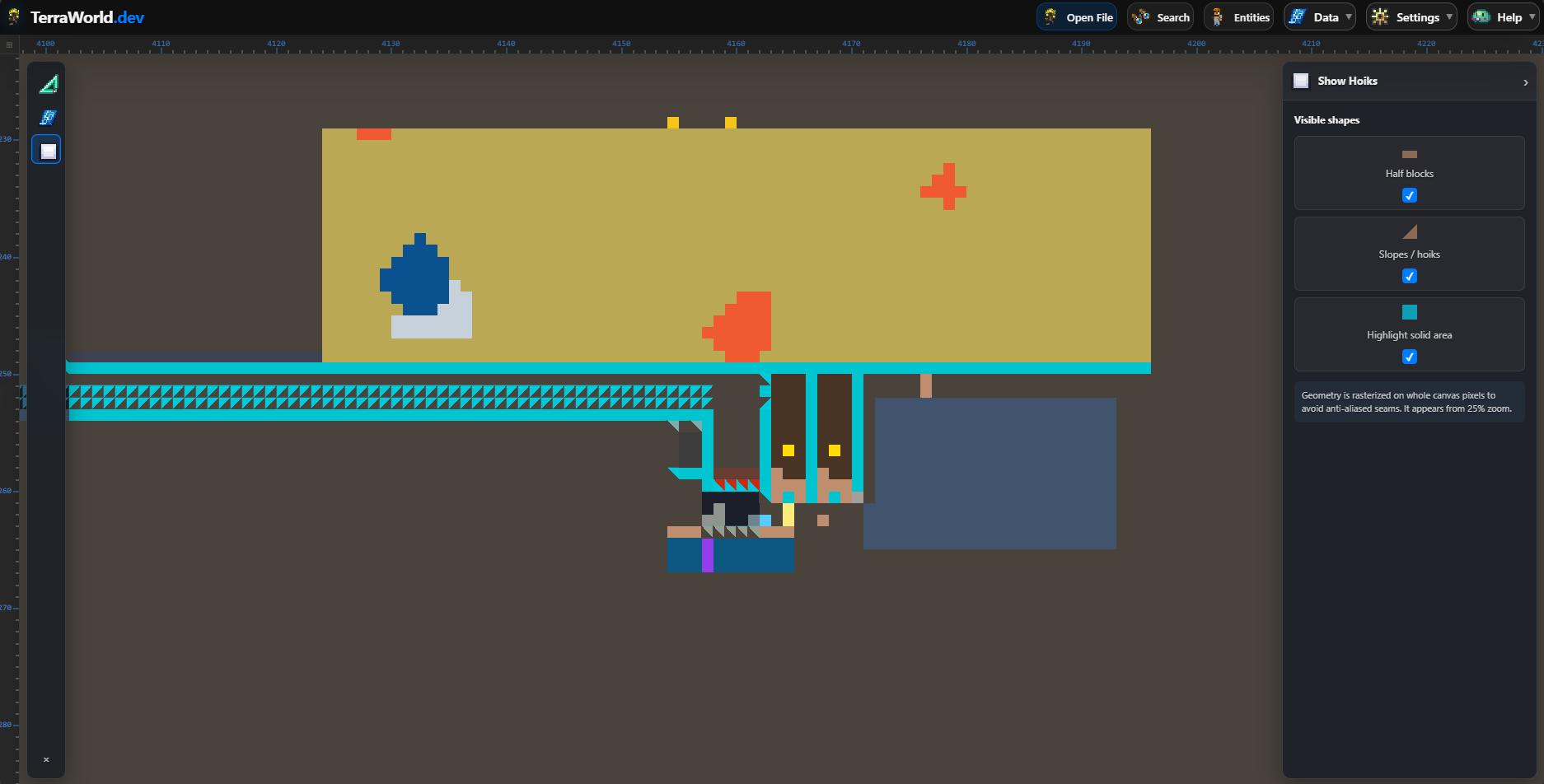
Turn on the relevant overlay and zoom into the mechanism. Follow each section from trigger to output, then compare it with the normal map view if a tile is hard to identify. Make a backup before using Edit Mode on a mechanism: small changes to actuated tiles or wires can alter how it behaves in Terraria.
Related reading
For a broader map-search workflow, continue with how to search for Shimmer. For changes, use the editor carefully and export a copy instead of overwriting your only save.