

How to Find Chests and Items in Your Terraria World
Find any chest on the map, search every chest for an item, and inspect inventories in regular or tModLoader worlds.

Find a chest without searching the whole map
A large Terraria world can contain hundreds of chests. Some sit in obvious cabins, while others are hidden at the bottom of a cave, inside the Jungle, or behind an area you have not explored yet. Looking for one chest by following the minimap is possible, but it quickly becomes tiring when the world has several storage rooms.
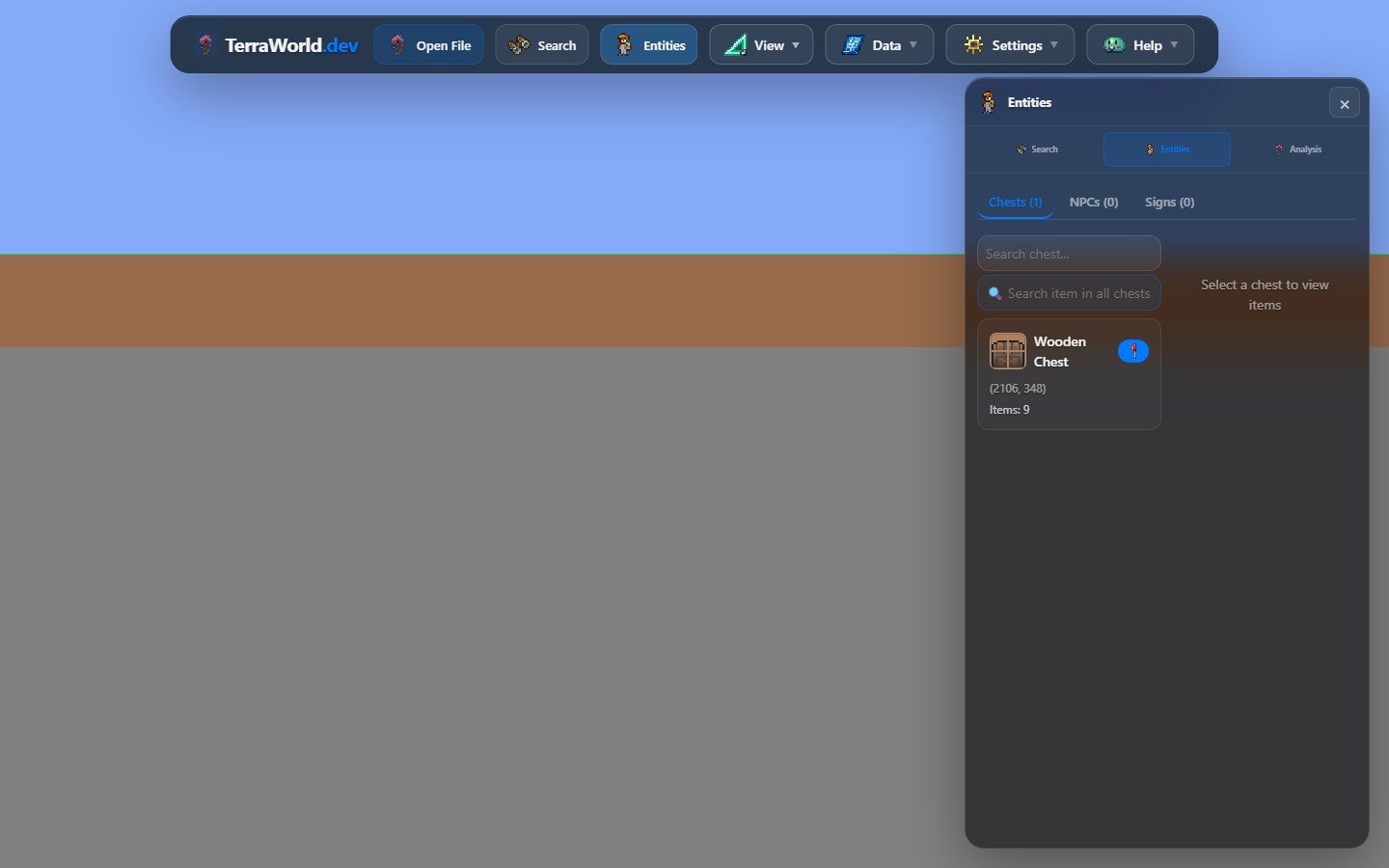
TerraWorld reads the chest records stored in the world file. The Entities panel brings their coordinates, names, and inventories into one place. You can browse the list, search for an item, then move the map directly to the matching chest.
Open the correct world files first
Regular Terraria worlds
Choose Open File and select the world's .wld file. Once loading finishes, open Entities from the app bar and switch to the Chests tab inside the panel. TerraWorld will display the detected chests as a browsable list.
tModLoader worlds and modded chests
For a modded world, select its matching .wld and .twld files together. The two files belong to the same world: the .wld contains Terraria data, while the .twld supplies extra tModLoader information. Loading only one of them can leave modded content incomplete.
TerraWorld can include modded chests and search item names recovered from the accompanying tModLoader data. This is especially useful in content-heavy worlds where a mod adds many containers and items. Support still depends on how that mod stores its data. If a mod uses a custom format TerraWorld does not recognize yet, its chest may appear as an unknown tile, have a generic name, or not expose its inventory.
Move directly to a chest
- Open Entities and choose the Chests tab.
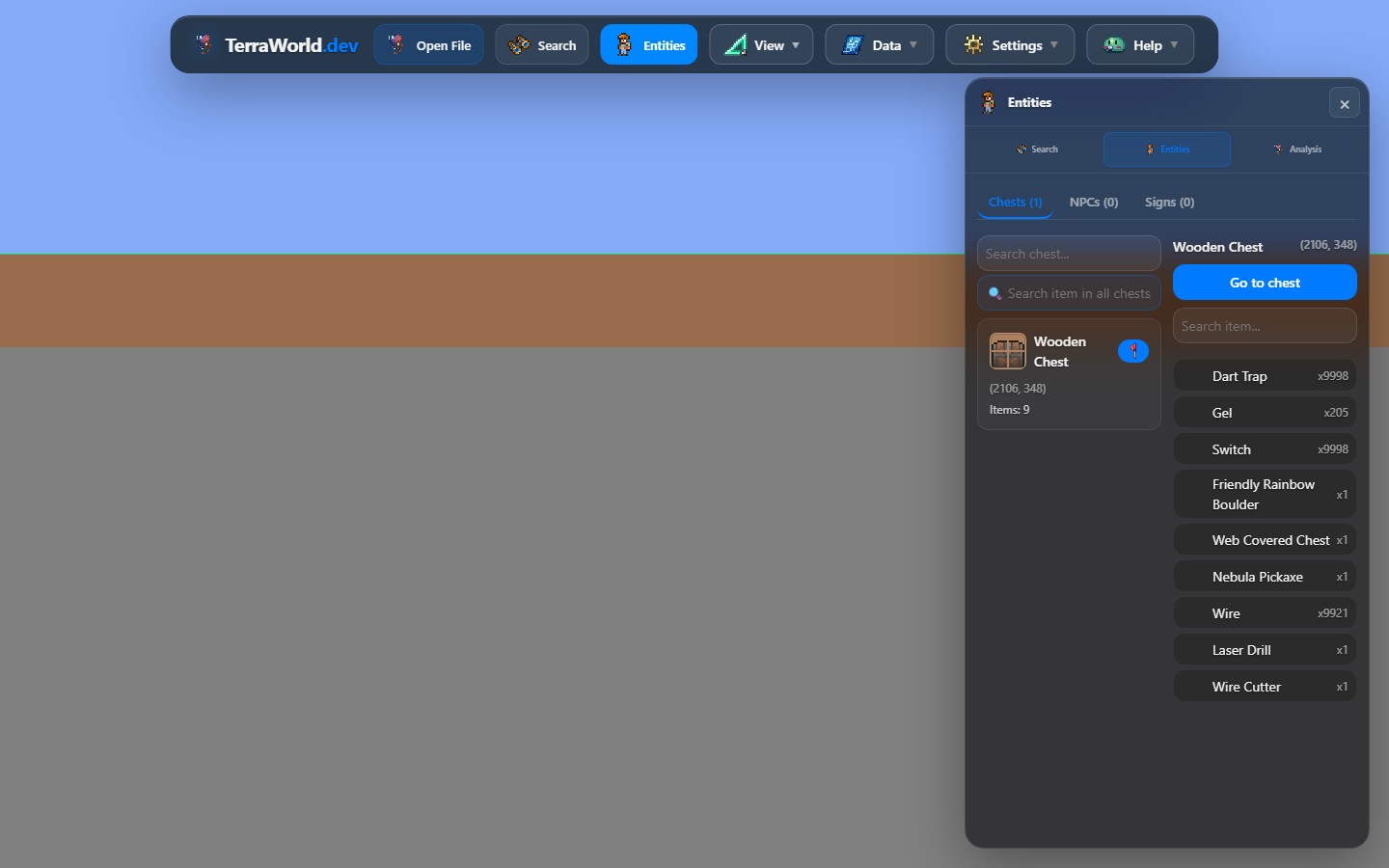
- Select a chest from the list. Its coordinates and number of stored items are shown with the entry.
- Review the inventory displayed beside the list.
- Press Go to chest to center the map on its location.
- Zoom in when you want to identify the room, biome, wiring, or path leading to it.
The coordinates are useful when you plan to find the same place in-game. The map view is better when you need context: a chest at the correct coordinate may still be difficult to reach if it is behind a temple wall or deep below a large cave system.
Search every chest for an item
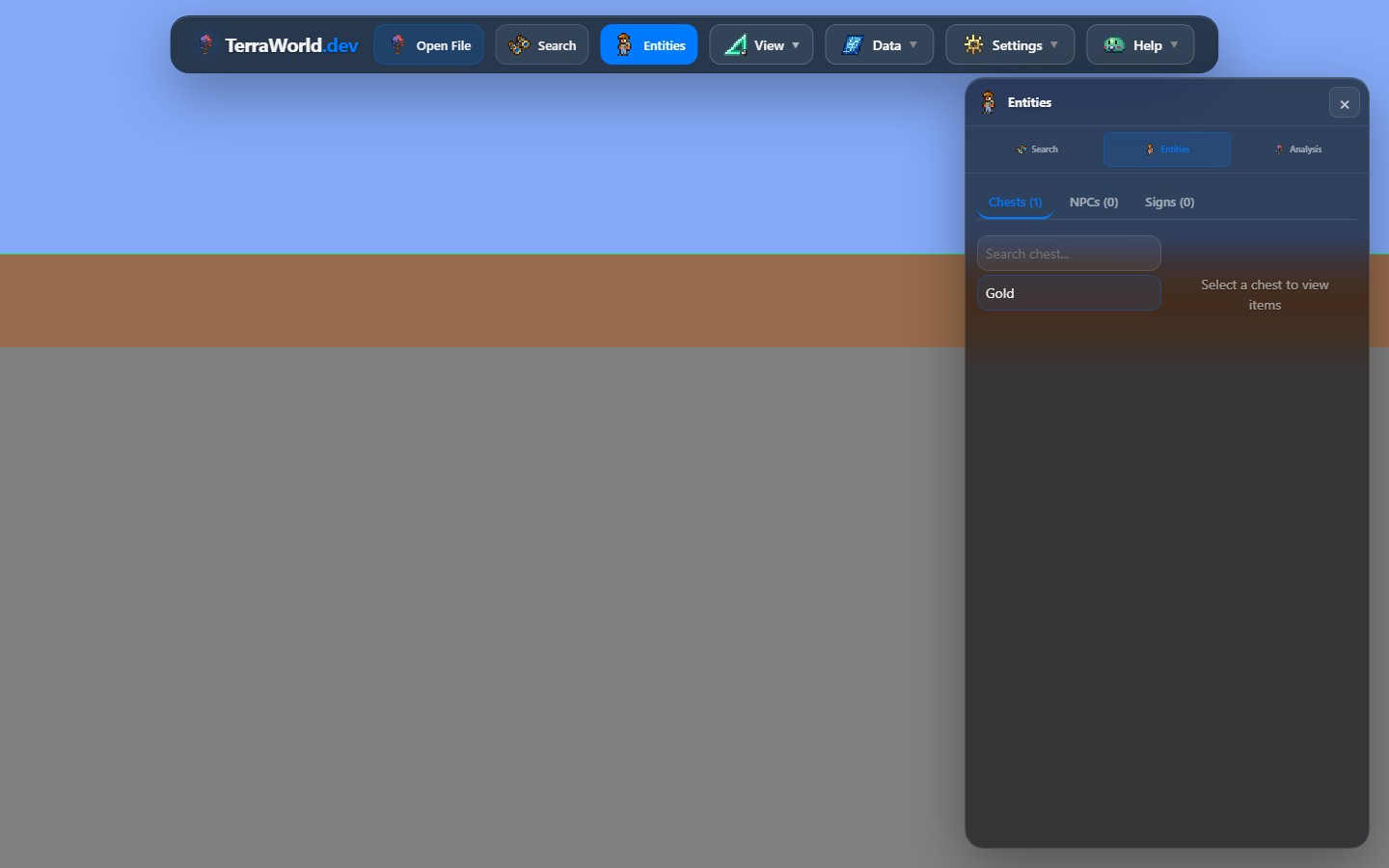
If you need an item rather than a specific chest, do not open the entries one by one. Choose Search item in all chests and type part of the item name. TerraWorld checks the loaded chest inventories and keeps the matching results.
You do not always need the complete name. A short, distinctive phrase is often easier to use when you are unsure about spelling. For example, searching for Mirror is enough to find a Magic Mirror. Avoid very broad words in a storage world, because they may return more results than you need.
- Enter the item name in the all-chests search.
- Select one of the matching chests.
- Check the item and stack amount in its inventory.
- Use Go to chest to move to that storage location.
Searching for modded items
The same search works for item names that TerraWorld can read from a loaded .twld. Open both files first, wait for entity parsing to finish, then search using the item's displayed English name. If the item is not found, try a shorter part of the name before assuming its chest is missing.
A missing result does not always mean the item is absent. The item may be held by a player, stored in a mod-specific container, or encoded in a format TerraWorld cannot read. TerraWorld searches the chest records currently available to it; it does not scan player inventories, Piggy Banks, Safes, Defender's Forges, or every custom storage system as if they were ordinary world chests.
Useful ways to use the chest list
- Recover a forgotten item: find which storage room contains an item after a long break from the world.
- Plan a new playthrough: inspect unopened exploration chests without repeatedly crossing the entire map.
- Review an adventure map: verify that important rewards exist and are placed in the intended rooms.
- Check a migrated modded world: see which supported chests and item names remain readable after moving to another setup.
- Locate suspicious empty chests: compare their coordinates and surroundings before deciding whether world data needs repair.
If a chest or item does not appear
- Make sure you opened the latest copy of the world rather than an older backup.
- For tModLoader, confirm the
.wldand.twldhave the same world name and come from the same save. - Wait until world and entity loading have completely finished.
- Try searching with a shorter part of the item name.
- Remember that player inventories and personal storage are separate from ordinary world chests.
- A chest-shaped group of tiles without a matching entity record is only a visual shell; Terraria may not open it as a real chest.
Inspect or edit a chest
The Entities panel is intended for browsing and navigation. To change a chest, enable Edit Mode, choose Place Object, switch to Inspect, then click any tile inside the chest footprint. The inspector lets you review its name and 40 inventory slots, including item ID, stack, and prefix.
Chest data is more than the visible tiles. Moving, copying, or rebuilding only the tile image can leave behind a chest that looks correct but cannot be opened in Terraria. Use the entity-aware tools, export to a new .wld, and test that file in Terraria before replacing your main save. Keeping a backup takes a few seconds and is much easier than repairing a damaged storage world.